


Have you ever found yourself scrolling through Facebook or TikTok longer than you intended? Actually, that behavior is driven by a UX pattern known as “Infinite Scroll”.
Rather than requiring users to click “Next” or “Load more,” infinite scrolling automatically loads additional content as users reach the bottom of the page. The objective is to deliver a seamless browsing experience that sustains engagement and reduces interaction friction.
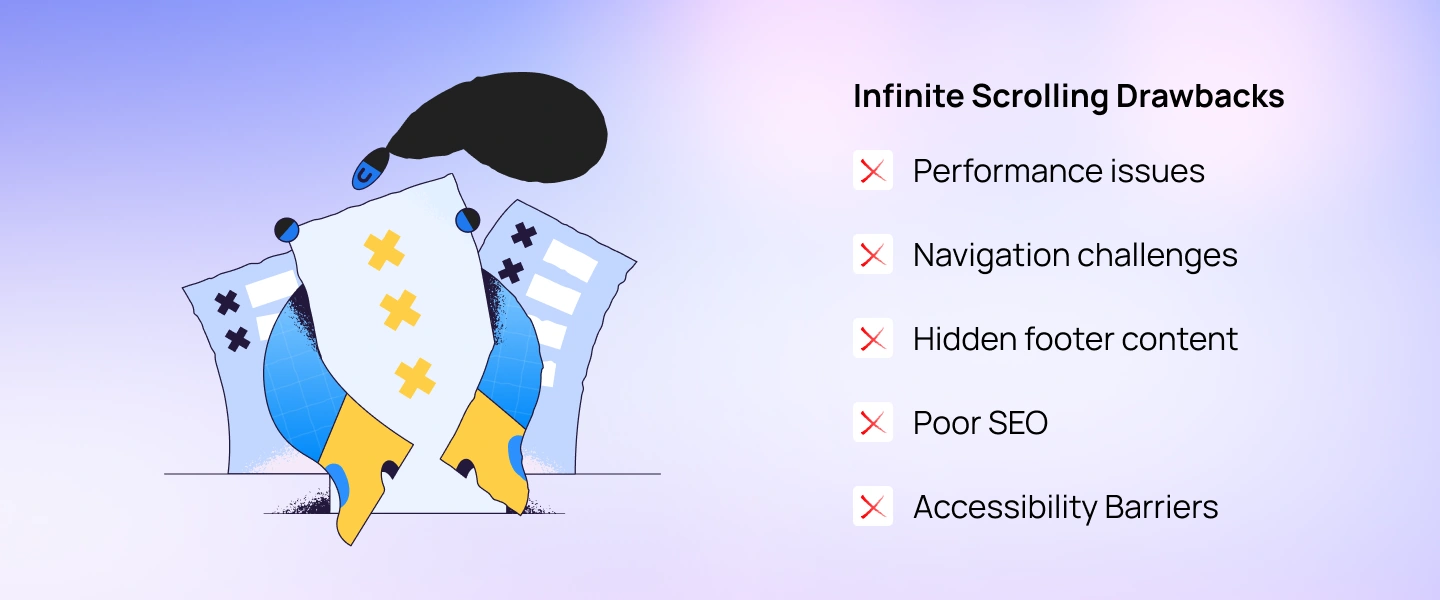
That said, infinite scrolling is not without trade-offs. Like any UX pattern, it comes with both strengths and limitations depending on context and user intent.
In this article, we’ll explore the key pros and cons of continuous scrolling, examine common alternatives, and share practical tips to help you apply this pattern effectively and responsibly.
Infinite scrolling is a listing-page design pattern that continuously loads additional content as users scroll. Instead of clicking “Next” or moving to another page, the design pattern allows users to continuously scroll to see more content.
This approach has been widely used since 2006 and is common in websites/apps, where people browse through a steady stream of similar content. It is most effective when content is presented as a continuous stream and individual items carry similar relevance—such as on social media platforms (e.g., TikTok, Instagram) or content-heavy services like news and ecommerce sites (e.g., The New York Times, Amazon).

Infinite scrolling works best in scenarios where users are simply browsing, not making specific decisions. It supports passive discovery—scroll, glance, engage—which is why it performs well on social media platforms or visual inspiration sites.
However, not all browsing experiences are about exploration. In many cases, users need clarity, orientation, and control—especially when they are searching, comparing options, or trying to complete a task. In these situations, infinite scrolling may create friction rather than value.
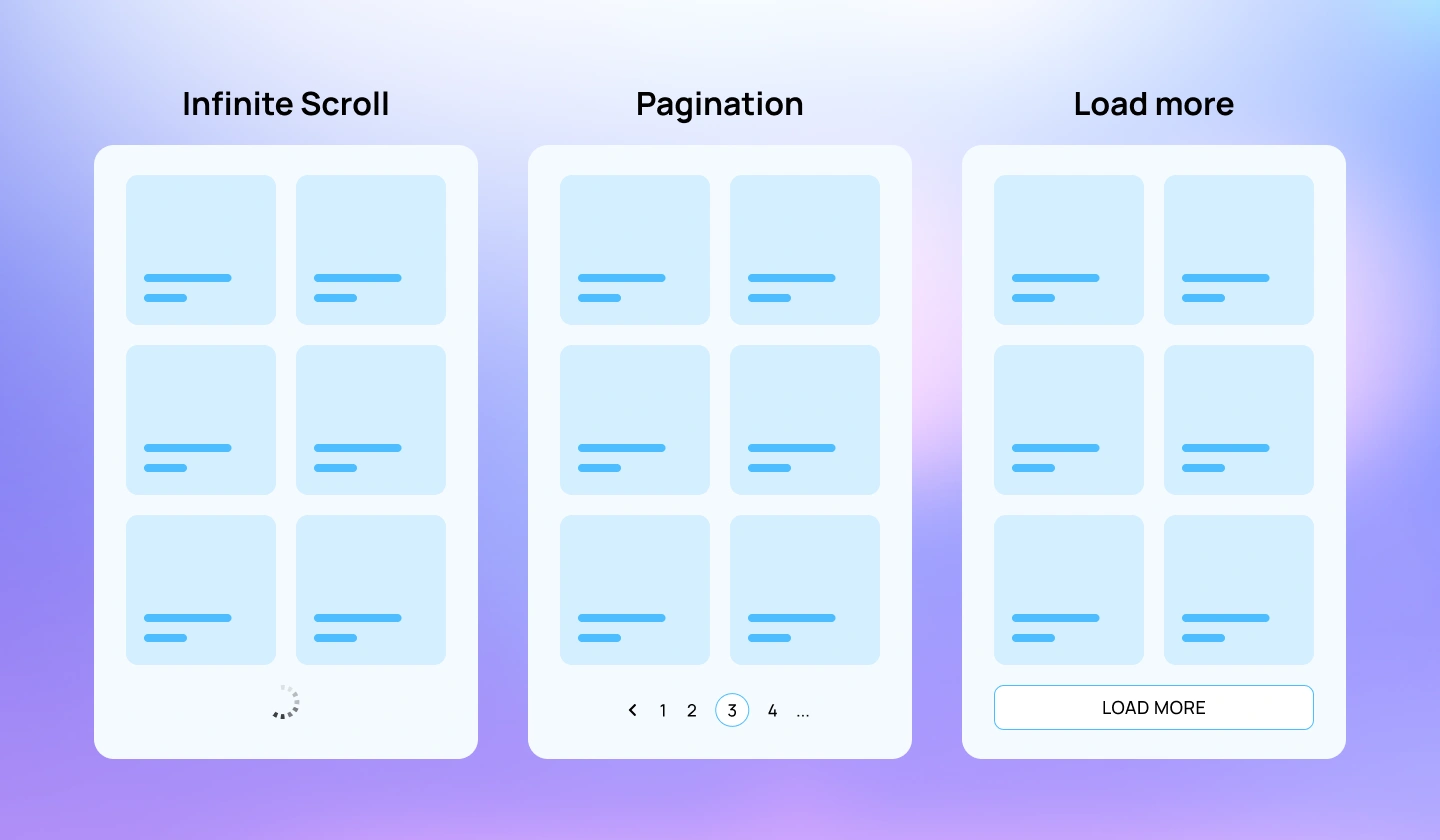
When infinite scrolling is not the ideal choice, the following alternatives are commonly used.
Pagination divides large sets of content into clearly defined pages. Although it requires more clicks or taps, it reduces cognitive overload, helps users understand their position within the content, and allows them to easily jump forward, return to the beginning, or share a specific page. Pagination is also more SEO-friendly and works well for structured content such as search results, product listings, and data tables.
This approach combines the continuity of infinite scrolling with greater user control. Instead of loading content automatically, users choose when to see more by clicking a “Loading more” button. This pattern helps manage performance, prevents unexpected content jumps, and gives users a natural stopping point. A common example is Google Search, which uses a “More results” button to load additional content at the bottom of the page.
Users should always understand when new content is being fetched. Visible ux loading indicators (spinners, skeletons, progress indicators, v.v) set expectations, reduce uncertainty, and prevent users from thinking the interface is frozen.
Infinite scroll can make it hard to return to a specific item. To solve this, support deep linking by updating URLs dynamically or adding anchor links, so users can bookmark, share, or resume from a precise position.
Infinite scroll must be implemented efficiently to avoid slowdowns. Techniques such as lazy loading—where content loads only when users scroll near it—help reduce unnecessary network requests and improve overall performance.
Ensure infinite scrolling works well for users relying on screen readers or keyboard navigation. Use appropriate ARIA roles, maintain logical focus order, and announce newly loaded content to make the experience inclusive.
Long scrolling sessions can be tiring. Adding a “Back to Top” button or similar shortcut allows users to quickly reset their position without excessive scrolling.
For web products, infinite scroll should not block search engine indexing. Use progressive enhancement, structured data, or provide a paginated fallback so content remains discoverable by search engines.
Continuously loading content can strain browser memory. Unload off-screen elements or use virtual scrolling to keep memory usage under control and prevent performance degradation.
If the footer contains important links or information, ensure it remains accessible. This can be achieved by stopping infinite loading before the footer or offering footer content through a separate navigation pattern.
Explore more: How to apply Progressive Disclosure in SaaS UX Design?
Infinite scrolling can be a powerful UX pattern for reducing friction and enabling seamless content discovery. By minimizing interruptions, it supports continuous engagement and helps users stay focused on what matters most—the content.
That said, infinite scrolling is not a one-size-fits-all solution. It comes with trade-offs and should be applied with a clear understanding of user intent, behavior, and context to be truly effective.
If you’re building a digital product and need expert guidance on designing interfaces users genuinely enjoy, Lollypop Design Studio can help. As a globally recognized saas design agency, we specialize in creating user-centered experiences that support product growth and long-term business goals.
Get in touch for a FREE consultation, and let’s explore how we can elevate your SaaS product’s user experience together.
In SaaS products, users often review long lists—such as transaction records, notifications, activity logs, or customer data. Infinite scroll can make this process faster by removing the need to repeatedly click through pages. However, it works best when users are scanning or reviewing information. If users need to compare specific entries, jump to a certain point, or analyze data precisely, pagination or filtering may be more effective.
To ensure a smooth mobile experience, designers should:
Yes, infinite scrolling is often more effective when paired with complementary patterns such as filters, search, pagination fallbacks, or a “Load More” button. These combinations give users greater control, improve accessibility and SEO, and adapt the experience to different user intents and contexts.





