
As a design creative, what AI design tools are you currently using to speed up your process?
The pace of design has changed. Creative teams today are expected to deliver high-quality, original work across several platforms and touchpoints.
To stay ahead, many creatives and designers are adopting design AI tools to streamline repetitive tasks, enhance ideation, and unlock new possibilities within the design process. Whether it’s crafting social content, refining UI layouts, or building brand systems, AI can act as a valuable assistant throughout your workflow.
In this blog post, we will share the best AI design tools for designers to explore and use. If you work as a full-time designer, a freelancer, or a marketer who also designs, AI can help you work smarter and create with greater impact.
Let’s get started!
Key Features:
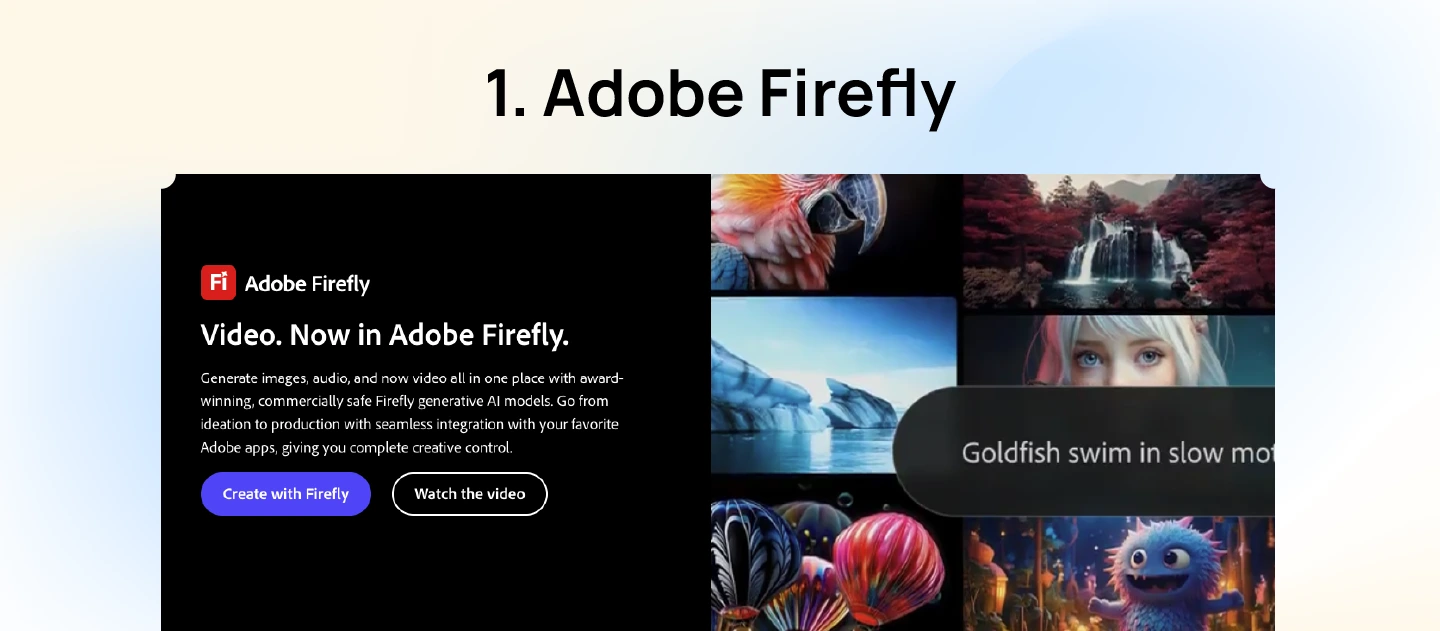
Adobe Firefly is Adobe’s dedicated AI design tool built to help creatives generate high-quality visuals with simple text prompts. Unlike many standalone AI generators, Firefly is deeply connected to Adobe’s ecosystem, allowing users to move smoothly between Firefly and tools like Photoshop or Illustrator. As one of the most powerful AI tools for designers, it helps bring your ideas to life quickly and easily, whether you’re creating social media graphics, product mockups, or visual concepts.
Pros of Adobe Firefly:
Cons of Adobe Firefly:
Adobe Firefly Pricing: Subscription options are available starting at $9.99 per month.
Key Features:
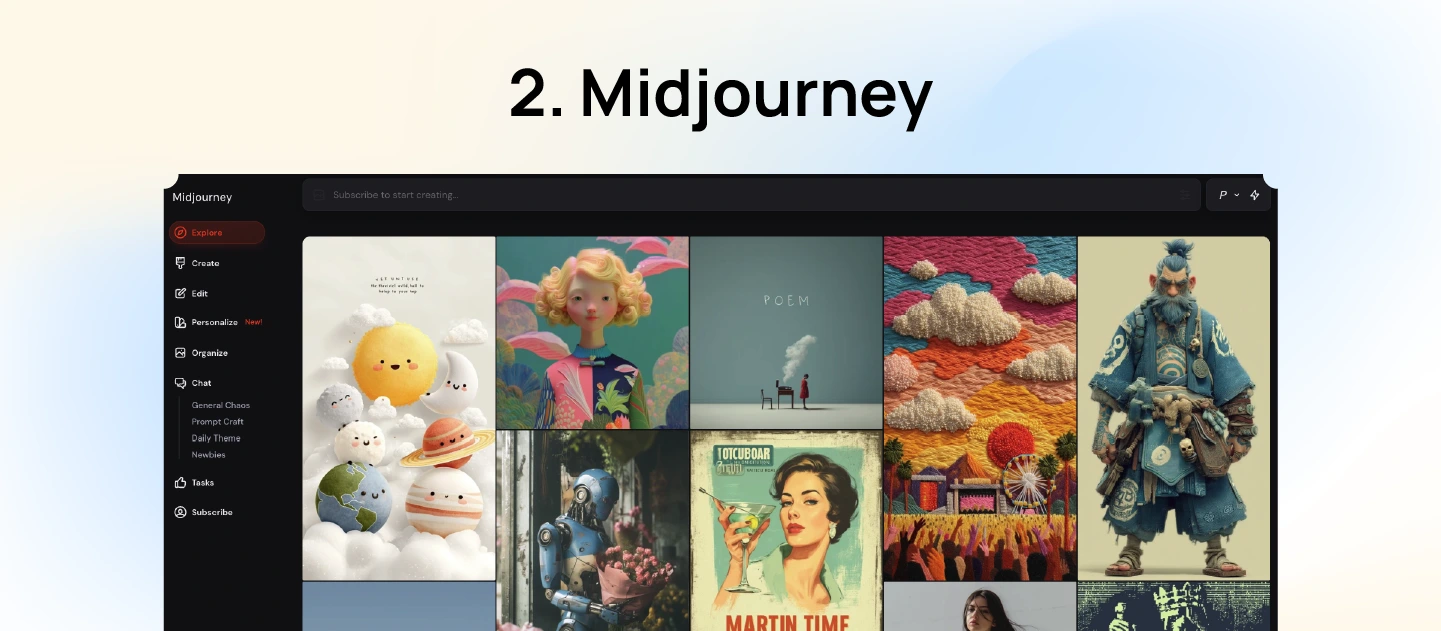
Midjourney is a top-performing AI design tool that helps turn creative prompts into detailed images. It works through Discord, where users can type natural language descriptions and receive AI-generated visuals in response. The platform is easy to use and produces stunning results ranging from hyper-realistic scenes to imaginative, artistic styles.
Pros of Midjourney:
Cons of Midjourney:
Midjourney Pricing: Paid plans start from $10 per month.
Key Features:
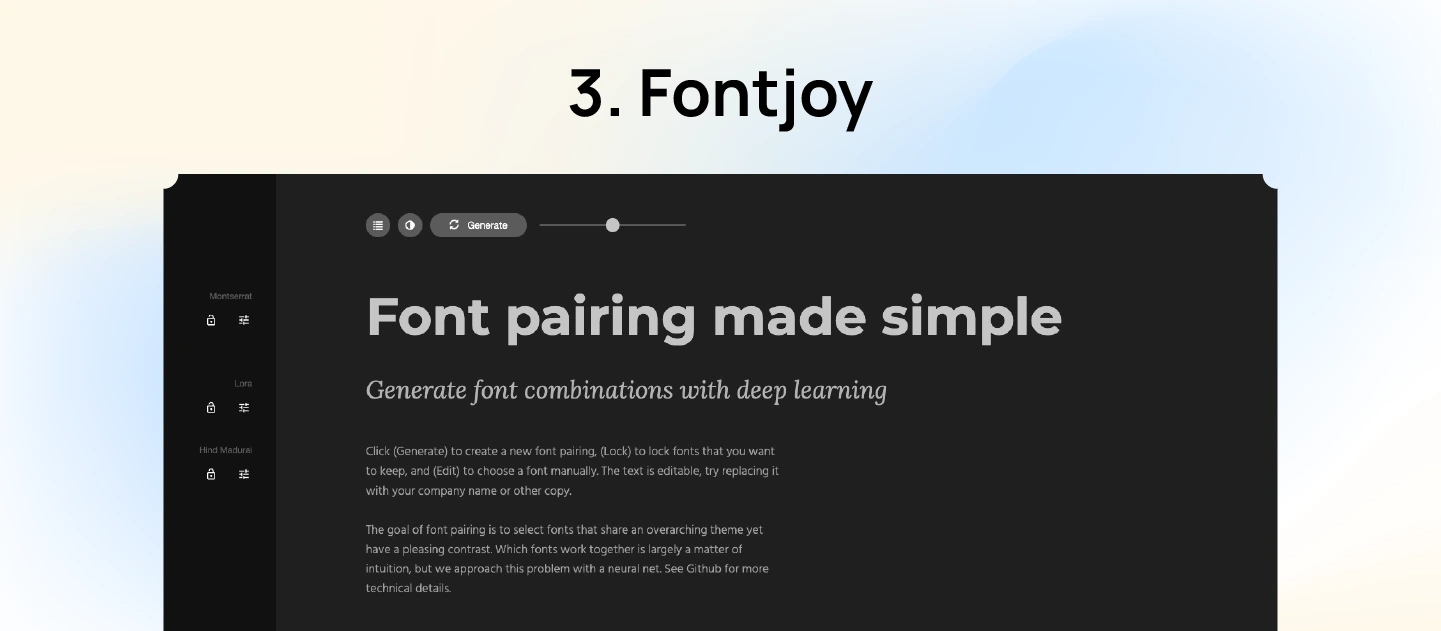
Fontjoy is a designing AI tool that helps designers create visually balanced font pairings with ease. By using deep learning, it suggests typeface combinations based on contrast and similarity, allowing users to adjust contrast levels, lock preferred fonts, and generate complementary matches in real time. As one of the most accessible free AI design tools, Fontjoy is especially useful for UI and web design projects where consistency and readability are key.
Pros of Fontjoy:
Cons of Fontjoy:
Fontjoy Pricing: Free to use.
Key Features:
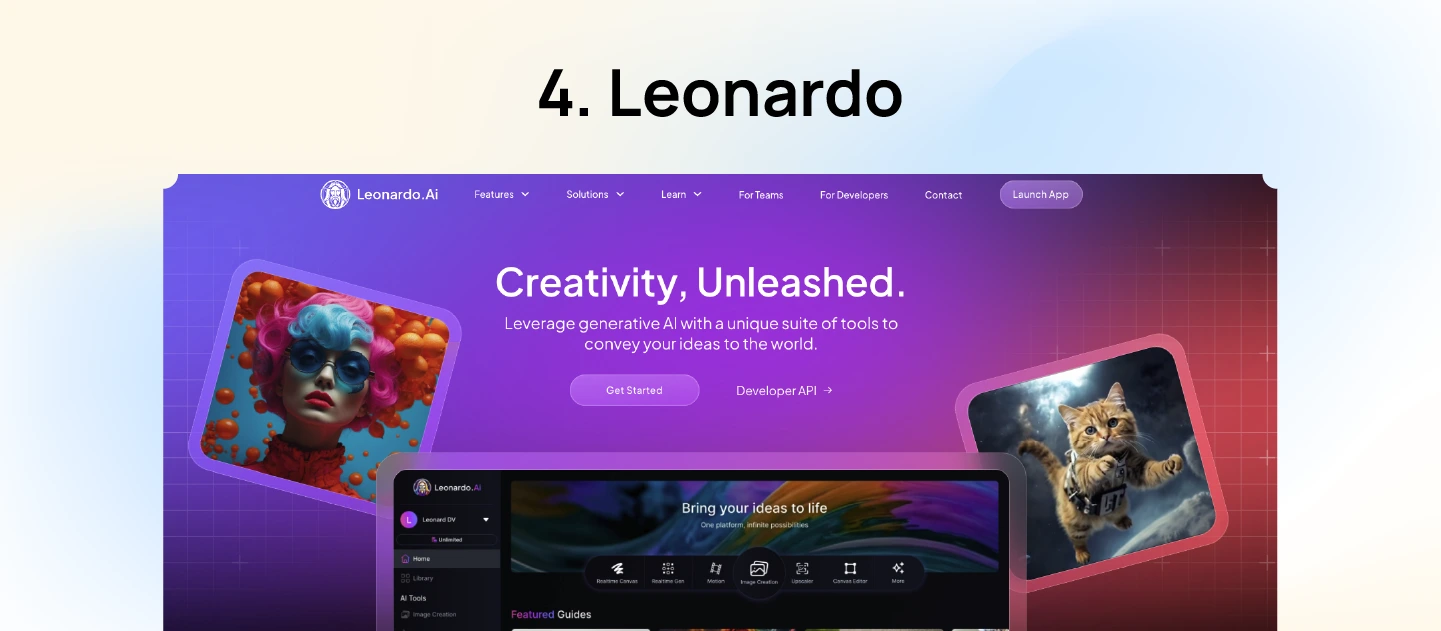
Leonardo.ai is a powerful image generation model that converts detailed text descriptions into high-quality visuals. It offers a suite of tools that enable users to produce images, videos, and 3D textures with ease. Whether you’re working on concept art, game assets, or marketing materials, Leonardo.Ai streamlines the creative process, allowing for rapid ideation and execution.
Pros of Leonardo.ai:
Cons of Leonardo.ai:
Leonardo.ai Pricing: Free plan with limited access, with paid plans starting at $12/month to unlock more features and capacity.
Key Features:
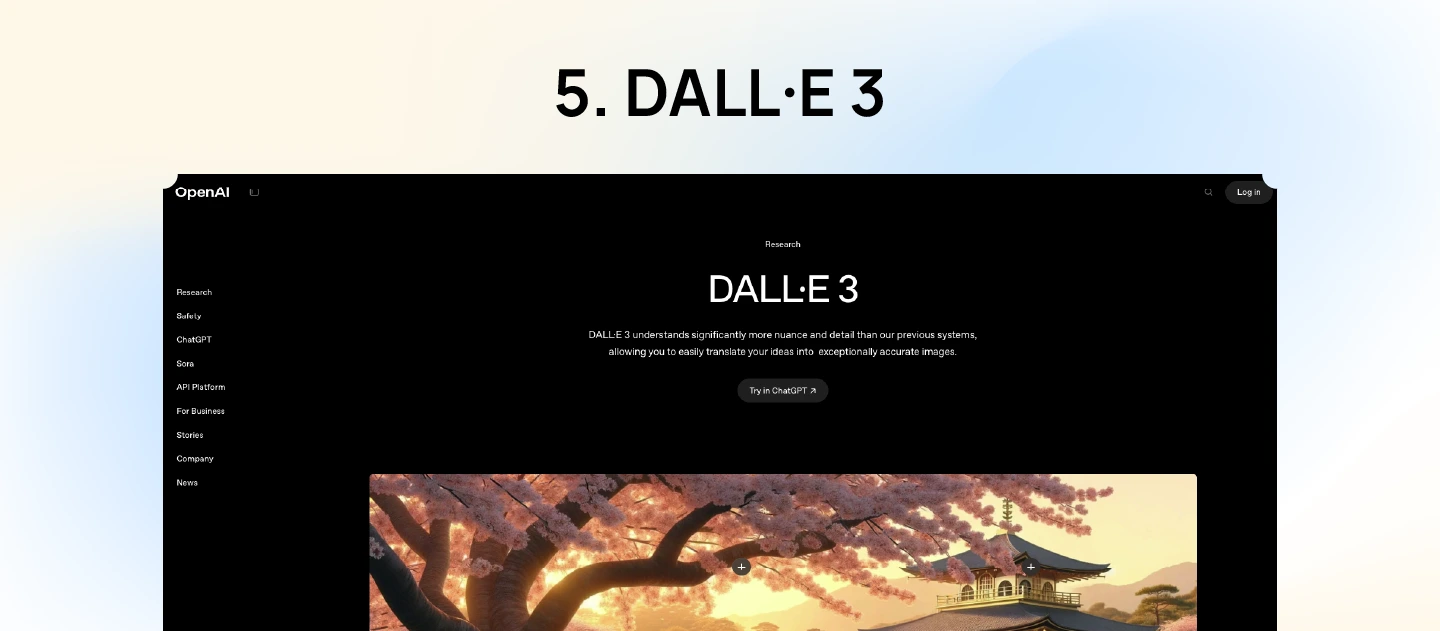
DALL·E 3 is a powerful model developed by OpenAI for producing visuals from descriptive text. What makes it stand out among new AI design tools is its seamless integration with ChatGPT through direct conversation. This enables users to refine images interactively, making the creative process more intuitive and accessible.
Pros of DALL·E 3:
Cons of DALL·E 3:
DALL·E 3 Pricing: Available through ChatGPT Plus at $20 per month, with additional API access options.
Read more: Must-Have AI Tools for Every UX Researcher’s Toolkit
Key Features:
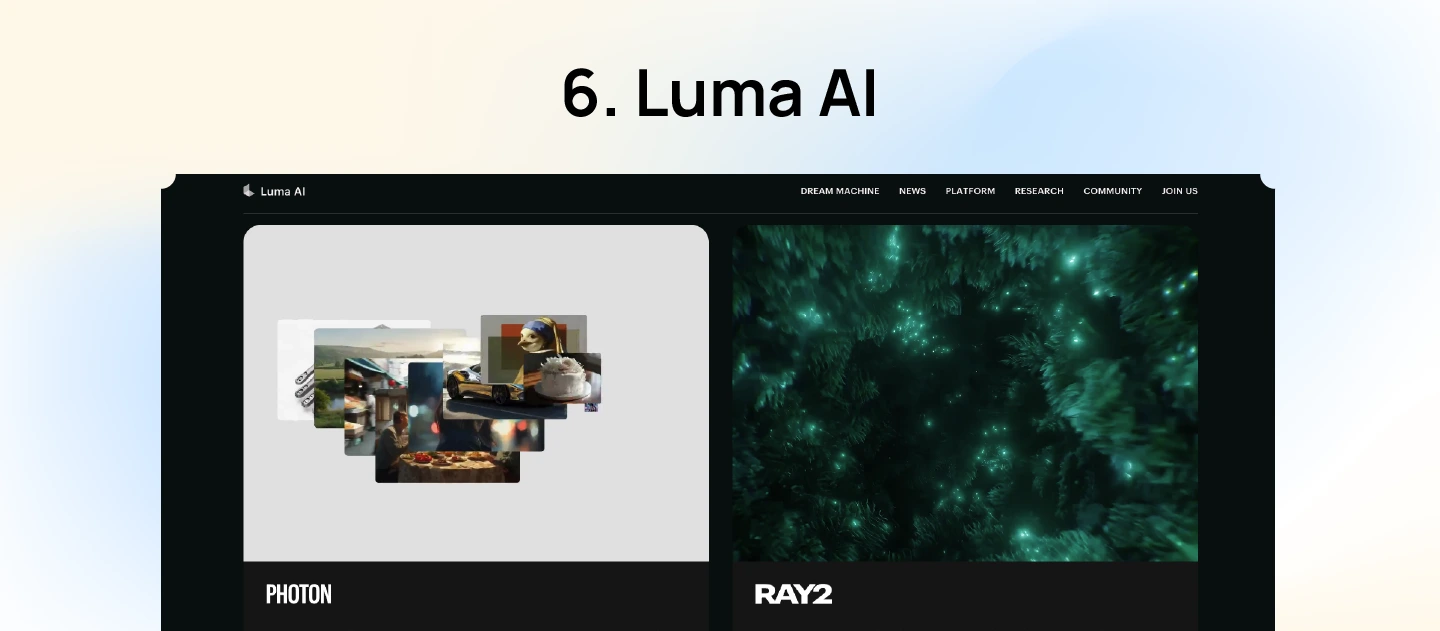
Luma AI is a cutting-edge platform that helps creators generate high-quality videos and 3D visuals from simple text prompts and images. Designed for creators in media, marketing, and entertainment, it leverages advanced AI models to simplify complex video production tasks. With tools like Dream Machine and Ray2, Luma AI enables users to generate realistic motion, apply cinematic effects, and customize outputs with ease.
Pros of Luma AI:
Cons of Luma AI:
Luma AI Pricing: Luma AI offers a free plan with limited features, while paid plans start from $9.99 per month, providing access to higher resolutions and additional tools.

Key Features:
Runway Gen-2 is an advanced AI video generation platform that transforms text prompts, images, or existing videos into high-quality, dynamic video content. As video becomes a bigger part of modern design workflows, Runway is gaining recognition as one of the top AI design tools. It’s built to support storytelling, experimentation, and fast-paced video production for everyone from marketers to filmmakers.
Pros of Runway Gen-2:
Cons of Runway Gen-2:
Runway Gen-2 Pricing: Runway offers a free plan with limited features, while paid plans start from $12 per user per month, providing access to higher resolutions and additional tools.
Key Features:
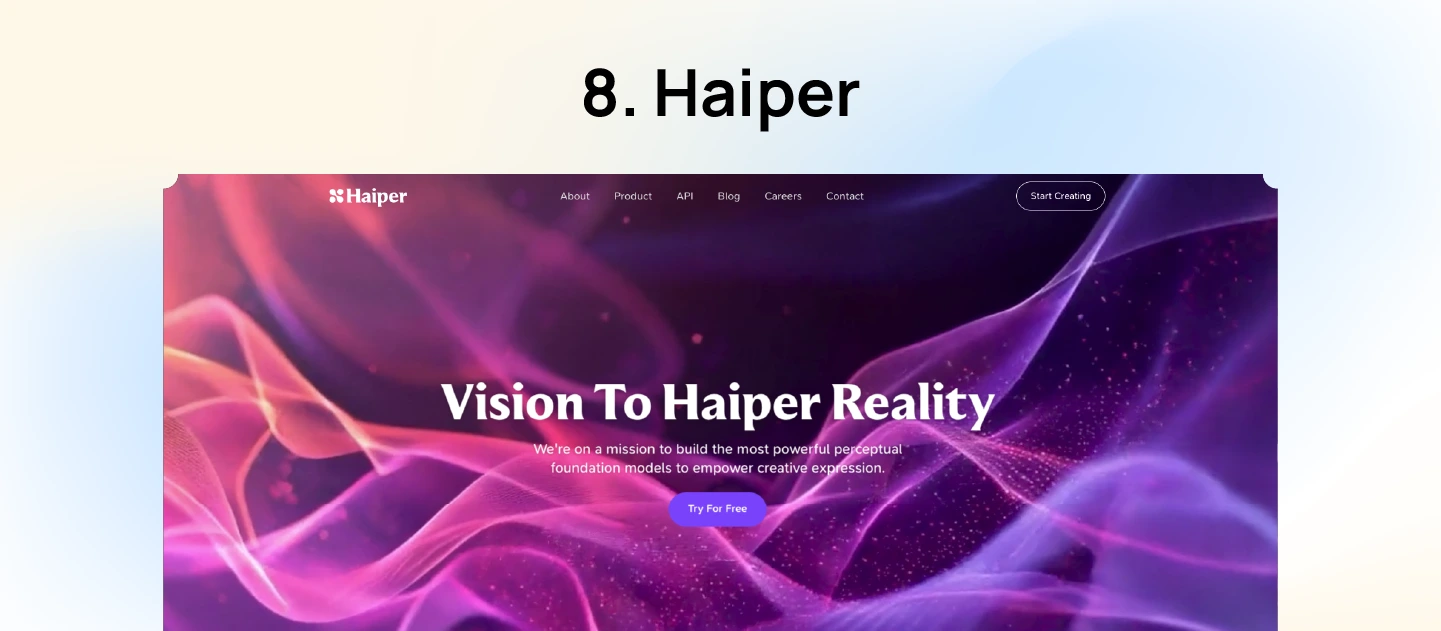
Haiper AI is an innovative tool that turns written prompts and visuals into captivating video content. Designed for creators, marketers, and educators, it simplifies the video production process, enabling users to generate high-quality content without technical expertise. With features like text-to-video, image animation, and video repainting, Haiper AI caters to a wide range of creative needs.
Pros of Haiper AI:
Cons of Haiper AI:
Haiper AI Pricing: Haiper AI offers a free plan with basic features, while paid plans start from $8 per month.
Key Features:
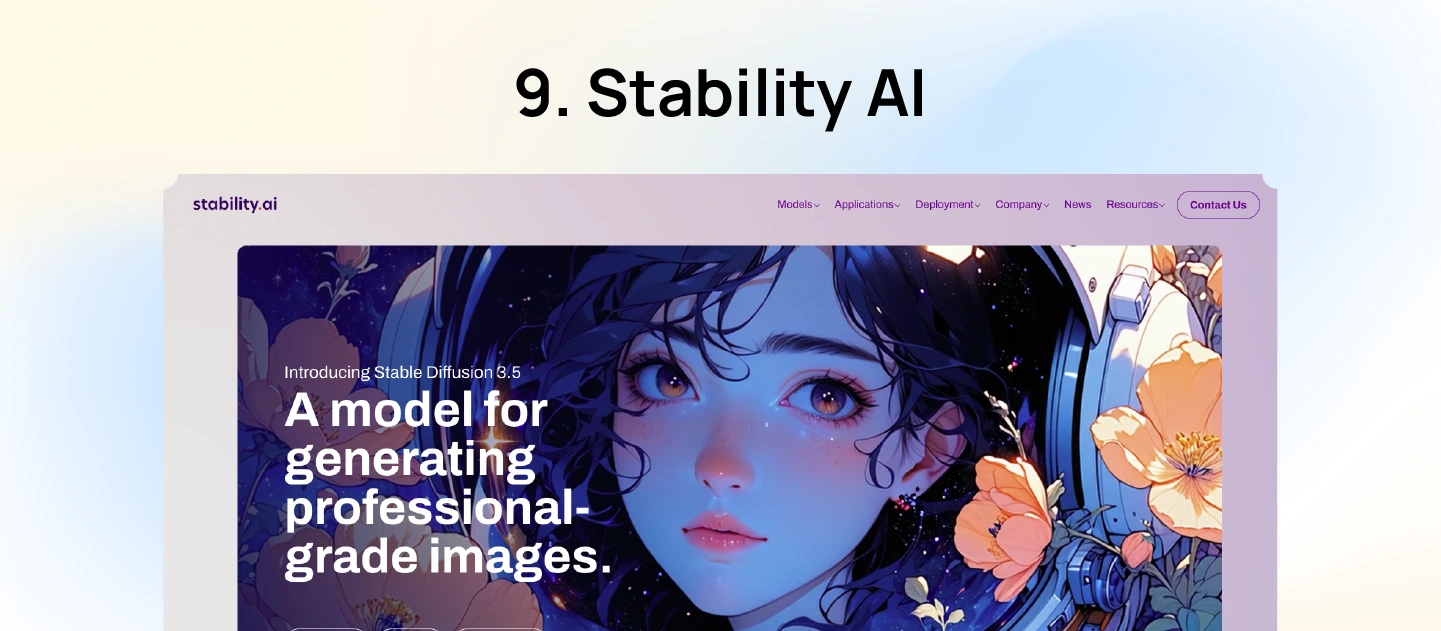
Stability AI offers a suite of open-source generative models that empower creators to produce high-quality images, videos, audio, and 3D content through using simple text prompts.
For those looking for the best AI tool for graphic design with full control and custom workflows, Stability AI stands out thanks to its flexibility and open-source accessibility. The platform supports both cloud-based and self-hosted deployments, catering to individual creators and enterprise needs.
Pros of Stability AI:
Cons of Stability AI:
Stability AI Pricing: Stability AI offers a free tier for non-commercial use. Paid plans for commercial use start at $20 per month, with enterprise licensing available for larger organizations.
Key Features:
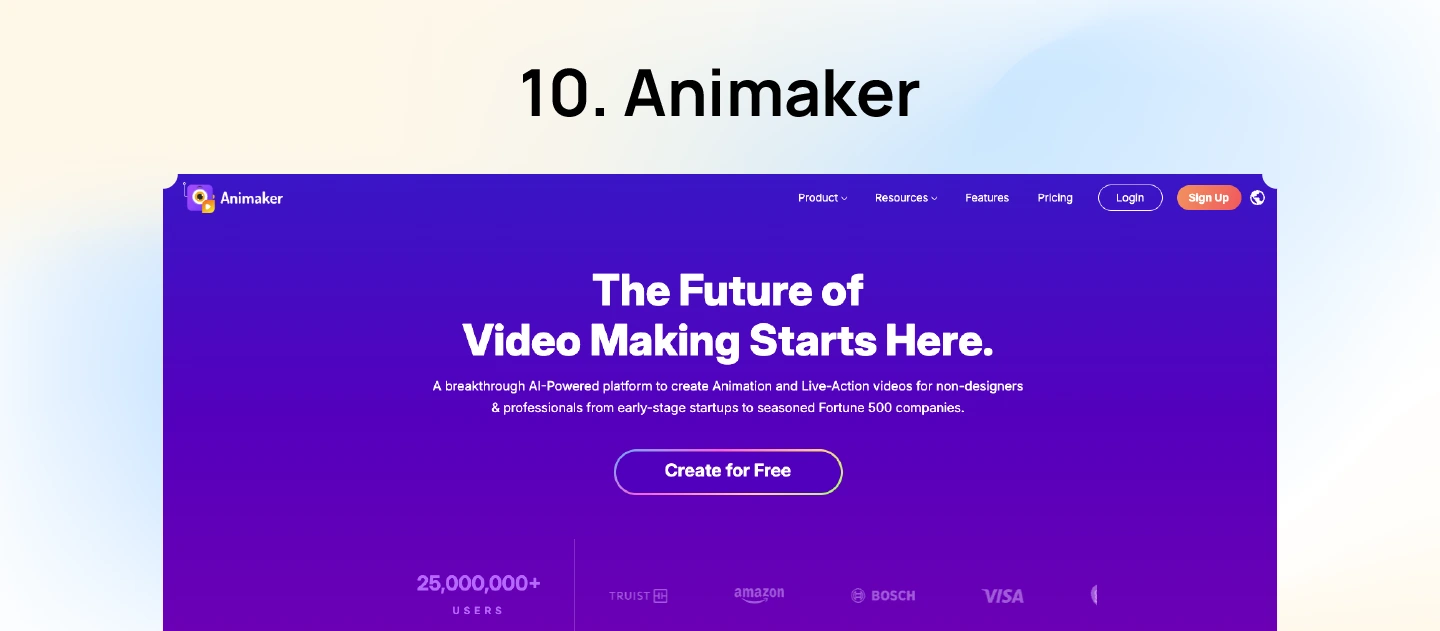
Animaker AI is a comprehensive platform that empowers users to create animated and live-action videos effortlessly. Instead of starting from scratch, users can choose a template, type a script, and let the tool do the heavy lifting—from animations to voiceovers. With a drag-and-drop interface, tons of pre-built assets, and support for over 100 languages, Animaker has become one of the most versatile AI designing tools by making it easy to turn an idea into a full video in just a few steps.
Pros of Animaker:
Cons of Animaker:
Animaker Pricing: Paid plans start at $15 per month.
You may want to read more: Top 7 Best AI Search Engines for Website Optimization
The best AI design tool depends on your role, project stage, and existing workflow. Rather than choosing the platform with the most features, focus on the one that solves your biggest design challenge.
If you’re creating interface mockups, prioritize tools that integrate with your design software and support rapid UI generation. UX researchers should look for platforms that can analyse interviews, cluster qualitative feedback, and summarise user insights. Designers creating marketing assets may benefit more from AI-powered image generation and editing tools, while product teams working on interactive concepts should consider AI-assisted prototyping solutions.
Before committing to a platform, evaluate how well it integrates with your existing workflow, supports collaboration, and scales with your team’s needs. Choosing the right tool is less about replacing designers and more about reducing repetitive tasks so teams can focus on solving user problems.
AI design tools can significantly improve efficiency, but they also introduce new challenges that teams should consider. Automatically generated interfaces, images, and content still require human review to ensure they meet usability, accessibility, and brand standards.
Some common challenges include inconsistent design outputs, limited understanding of business context, privacy concerns when handling sensitive project data, and over-reliance on AI-generated suggestions. Different tools also vary in how well they integrate with existing design systems and collaborative workflows.
The most effective teams use AI to accelerate repetitive tasks while relying on designers for strategic thinking, user research, and creative decision-making. AI should enhance the design process—not replace human judgement.
AI is becoming a core part of the product design workflow, supporting everything from research and ideation to prototyping and usability testing. As these tools continue to evolve, designers will spend less time on repetitive production tasks and more time understanding users, validating ideas, and solving complex business problems.
Future AI design tools are expected to offer stronger integration with design systems, real-time collaboration, and more context-aware recommendations based on user behavior and product goals. Rather than replacing traditional UX practices, AI will increasingly work alongside designers to improve speed, consistency, and decision-making throughout the product development lifecycle.
For product teams, the opportunity lies in combining AI-driven efficiency with human creativity and user-centered design principles to deliver better digital experiences.
Check out our AI Discoverability Platform for B2B

AI design tools have moved far beyond the testing phase; they are now practical companions in everyday creative work, offering real value in speed, flexibility, and output quality. Whether you’re generating videos, selecting font pairings, or creating complex visuals with just a few prompts, these AI tools integrating into ux design are unlocking new levels of speed, precision, and imagination.
So there you have it — the top 10 AI tools for graphic design that every creative should explore. If you want to discover more ways to apply AI in your creative workflow or build smarter, faster design systems, Lollypop, a leading AI-Driven UI/UX design agency, can help you explore the right tools and strategies. Our team understands how to blend AI innovation with human-centered design to deliver results that are both efficient and emotionally resonant.
The best tool for beginners depends on the type of design work. Platforms with intuitive interfaces and built-in templates are ideal for creating UI mockups or visual assets, while tools integrated with familiar design software can reduce the learning curve for existing designers.
No. AI can automate repetitive tasks such as generating layouts, summarizing research, or creating visual assets, but it cannot replace user empathy, strategic thinking, stakeholder collaboration, or creative problem-solving. Successful product teams use AI to enhance designer productivity rather than replace human expertise.
Yes, many AI design tools support enterprise workflows through collaboration features, security controls, and integrations with design systems. However, organizations should evaluate governance, data privacy, and compatibility with existing product development processes before adoption.





