

Artificial intelligence (AI) is the ability of machines to think and act like humans, interpret the world, and make decisions in a human-like manner. AI is evolving as we speak, and many companies are incorporating machine learning algorithms in UI/UX design and specialized systems to enhance user experiences.
AI is driving the UI/UX design industry rapidly. AI can be leveraged to automate repetitive tasks, get a design recommendation, use AI-powered UX analytics to get data-driven insights, create multiple prototypes within a few hours, and even test them. AI in UX design is transforming the way designers approach creativity and efficiency, making the process more intuitive and effective.
In 2026, many companies are developing their own generative AI or integrating AI into their business operations. Over 80% of companies say that they are using AI for business strategies and digital product design.
Learning how to optimize generative AI for UX design is paramount. With AI, we can enhance personalization and understand how users interact with interfaces. There are lots of ways designers can leverage AI. But as the use of AI increases, design teams will face complex challenges in balancing depth of design with the human-centered design approach that defines the best UI/UX designers.
FREE DOWNLOAD: The 2026 AI Design Toolkit Stop wasting hours on manual tasks. We’ve curated a list of the top 25 AI plugins and tools our designers at Lollypop use to cut prototyping time by 40%. [Get the Free Toolkit Now]
Repetitive tasks: AI will handle simple tasks like pixel calculation and distances between components.
Manual work: Tasks like background removal, color change of components, cropping assets, and converting wireframes to high-fidelity UI designs will be automated. Tools like Adobe Generative Fill and Uizard have been pioneers in this space.
Repetitive thinking: AI will take charge of automatic context-aware translation, ensuring consistency and automated responsive design testing across devices.
Empathy: AI can’t grasp emotion—how a user feels or reacts. Though AI can have a conversation, empathy and compassion won’t be possible with current tech. Humans interact with products through emotion, which remains a major role in emotional design.
Multidisciplinary knowledge: Designing a product requires combining psychology, UX theory, and content architecture. AI provides information, but lacks the design thinking systems required to put these together into a meaningful order.
Qualitative user research: AI can provide data, but it struggles to understand how users feel. It cannot see the whole picture like a human designer. Connecting dots across various outputs still requires human intervention.
AI is reshaping the designer’s career in many ways. Let’s see how AI is transforming designers’ roles:
Increased Productivity: It will replace mundane tasks, allowing AI UX designers to focus on the most impactful aspects of the work.
Skill Growth: AI can help designers grow naturally, acting as a coach to help them reach their “ideal self.”
Scaling Capabilities: By integrating AI into daily workflows, designers can scale their research, iteration, and rapid prototyping capabilities.
Creative Challenges: As AI generates multiple drafts, it forces designers to think outside the box to create something truly unique.
User Value: It allows designers to focus more on the user value by giving more time to optimize for important goals instead of menial details.
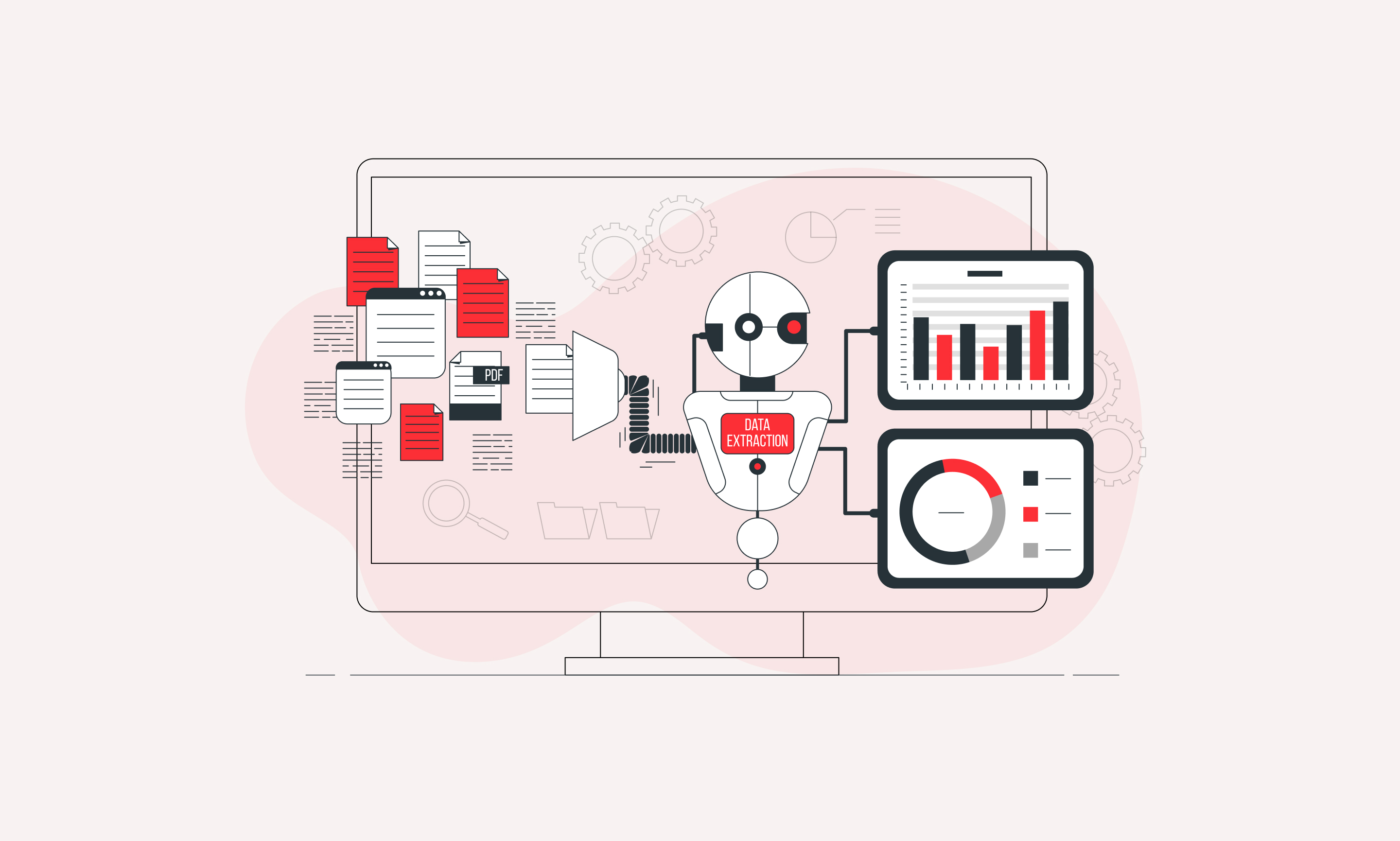
Before any product development, user research is paramount, but it is a time-consuming process. Thanks to AI, automated user research has become much easier. It can process data quickly and provide valuable insights in a few minutes.
With the help of AI, designers can gather primary information about consumer needs, trends, and behaviors. AI can assist researchers in identifying common problems and gaps in the market. AI for UI/UX Design further enhances this by providing actionable data to create user-centric designs.
Regarding data processing, it allows researchers to analyze large data sets and extract meaningful insights from interviews. In testing, AI heatmaps and behavior prediction tools help researchers evaluate design effectiveness and identify areas for improvement.
AI can analyze large amounts of data quickly. Machine learning for UI/UX makes raw data understandable by categorizing information. These algorithms help designers understand user behavior, preferences, and pain points to create a more personalized UX design.
Based on historical data and real-time analysis, AI can predict user behavior. It can suggest new features or improvements to cater to users’ needs. Apps like Instagram and YouTube use these AI design algorithms to provide tailored content, leading to a more intuitive user interface and increased engagement.
Case in Point: Asato.ai – Crafting an AI Copilot We helped Asato.ai transform complex executive data into a seamless AI-driven experience. By focusing on predictive transparency, we enabled users to make faster, smarter decisions—proving that AI design is about clarity, not just automation.
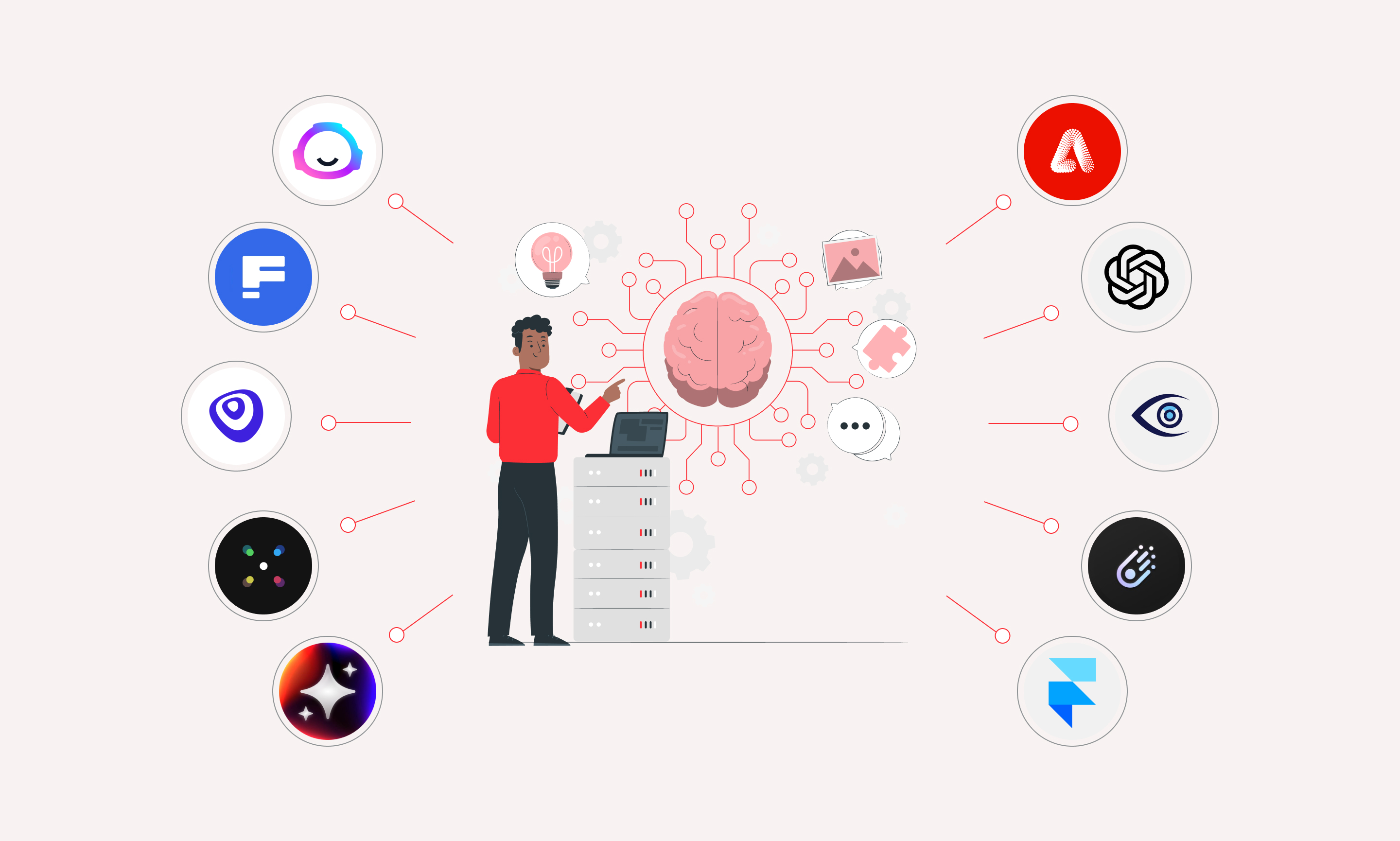
There are many AI tools for UI/UX designers in 2026, but choosing the right one will streamline your workflow. They act as a copilot, helping with layout generation, background removal, and content generation. AI can suggest color palettes and typography that align with current trends, enhancing the overall quality.
One of the major impacts of AI is testing. AI helps designers prototype and test various functions quickly. Many AI wireframing tools aid designers by suggesting templates and auto-generating layouts. By analyzing real-time interactions, AI provides feedback that ensures designs are ready for practical use.
Voice user interfaces allow users to communicate through natural languages. VUI design uses machine learning to understand spoken commands, reducing the cognitive load of graphic interfaces. When VUI is put to use, designers can create a natural and engaging conversational AI flow.
Utilize AI Feedback: Leverage AI to test new prototypes and analyze what needs improvement. This feedback loop drastically reduces the time required to finalize a product.
Balancing AI and Creativity: Don’t blindly trust AI data. Add a human touch to make the design human-centric. The key is to blend AI efficiency with out-of-the-box human creativity.
Design teams are turning to AI to automate repetitive tasks, improving overall efficiency. Integrating AI into the design workflow speeds up the process while enhancing quality. While AI handles the “grunt work,” human intuition remains essential for producing standout designs. Using AI in design is no longer optional—it’s a must for efficiency.
Success Story: Impress.ai – Humanizing AI Recruitment For Impress.ai, Lollypop designed an automated recruitment platform that feels human. We reduced the friction in the hiring process by using intelligent interface design to manage high-volume candidate interactions without losing the personal touch.
AI is transforming the UI/UX design process. From automating workflows to speeding up prototyping, AI acts as a powerful aid. By leveraging these capabilities, designers can stay ahead in an ever-evolving market.
If you are looking to improve your brand’s UX design with cutting-edge technology and human intuition, look no further. Lollypop Design Studio provides best-in-industry design that resonates with users and drives measurable engagement.





