Education has shifted to digital. Now, students can take classes from mobile devices, laptops, and tablets, thanks to COVID-19. As a result, the EdTech boom has led to increased app-focused education. Today, in 2025, the majority population has access to mobile devices, the internet, and educational apps.
This shift makes intuitive, learner-first design not just a preference but a necessity. As more learners rely on digital platforms, UX/UI design plays a critical role in how educational apps perform. A smart interface reduces friction, streamlines learning experiences, and boosts engagement. How? Through clean layouts, personalized features, gamified interactions, and accessibility-first thinking. Good education app design now plays a central role in building effective student engagement app design.
In this blog, we will explore the top 11 education app design trends and best practices shaping the future of online learning experiences in 2025.
Here are the top 11 trends in education app UI/UX design that are trending.
AI in education mobile app design can help tailor learning paths, notifications, and challenges based on user behaviors and performance. From adaptive dashboards to personalized quizzes and content suggestions, AI helps close knowledge gaps and reduce learner stress based on past behavioral data.
Recommends related content, videos, and questionnaires, helping students progress comfortably and reduce stress. This is essential when building a student learning app design that adapts to the user.
Need Help Designing Your Learning App?
Want to build an engaging, scalable, and learner-first app?
👉 Let our UI/UX experts help you design your next education app
Chat-enabled AI tutors, for instance, ChatGPT, now power real-time Q&A, feedback, and guidance to correct resources. Here, conversational interface matters the most.
Designing a chat-based layout with readable text bubbles, timestamps, profile icons; displaying proper informational hierarchy, like answers, images, and links to resources, and handling error messages with more suggestions, etc., is key in eLearning UX trends.
A clutter-free user interface. The minimalist design focuses on what is needed. No extra text, shadow, heavy animation, or overly complex menus. An effortless UI for all kinds of educational content across all age groups. Less is more. This simplicity should guide the structure of any education web app design project.
Gamified design brings fun to education. The gamification elements in the learning app website design are extremely popular. Gamification is all about tweaking interaction and presenting boring content in interesting ways.
Result—better engagement, increased motivation to learn more, and improved dwell time. Showcasing a progress track bar, table, or streaks generates curiosity and urgency in students to improve where they are lacking. An interface meant for leveling up. When you create a learning app, this should be a key feature.
A TikTok-inspired interface—featuring shorts and reels—brings educational content to life through scrollable card-based UIs. Learners discover bite-sized videos, micro-lessons, and interactive quizzes as they swipe, making lessons more accessible, easier to digest, and far more engaging to explore.
The rhythmic visual flow, like text, images, videos, quizzes, and interactive elements, maintains interest and reduces monotony. This type of e-learning app UI design is highly effective for improving retention.
Inclusive design is standard, not optional. Accessibility features like high-contrast UI, dark modes, text-to-speech, and adjustable font sizes ensure inclusive designs for diverse learners.
This must be implemented in any mobile learning app UI, especially when working with Figma education app templates.
Interactive videos make learning more engaging by adding things like pop-up questions, clickable definitions, and choices that shape the learning path. A design, from an HCI (Human-Computer Interaction) perspective, keeps things user-friendly: clear instructions, instant feedback, consistent interactions, control over playback, and accessibility features like captions.
These video layers should be considered essential in any modern education app design ideas workflow.
Swipe, tap, pinch—say goodbye to clunky menus and hello to smooth moves! Mastering these smooth gestures makes navigating your app feel as natural as scrolling through your favorite social media feed.
This approach works great in student learning apps or any EdTech UI design platform aiming for seamless flow.
The interface that feels the same across devices. Students expect continuity across devices, starting a lesson on their phone, continuing on a tablet, and giving an exam on a desktop. Design must cater to seamless transitions across platforms.
This is critical in education web app design projects for EdTech platforms.
AR-based learning for STEM subjects is gaining traction. Students can explore 3D molecules, historical places, or biological models in interactive formats. Designing AR experiences to be seamless and intuitive boosts both engagement and conceptual understanding.
Designers working on app designer education roles must master AR layouts.
A smart app design that taps into emotions. Design principles like color psychology, microinteraction, and subtle animation in an education app design Figma file boost motivation and reduce anxiety.
This leads to studying feeling more rewarding. Engaging transitions and gentle feedback create a supportive, feel-good learning environment where users stay curious and confident.
Here are standout apps delivering cutting-edge EdTech UI design today:
Offers GPT-powered AI conversation tutors
Clean, colorful, gamified design
Personalized skill trees and real-time correction
Dark mode, offline feature support
Adaptive content recommendations
Integrated video discussions
Modern, code-friendly interface with adaptive color schemes
Interactive coding on the go, progress bars, and personalized dashboards
Community features for sharing achievements, commenting, and peer discussions
Q&A community platform for collaborative problem-solving
Clean, engaging interface for real-time question posting and expert/peer replies
Points and a ranking system to drive interaction and learning
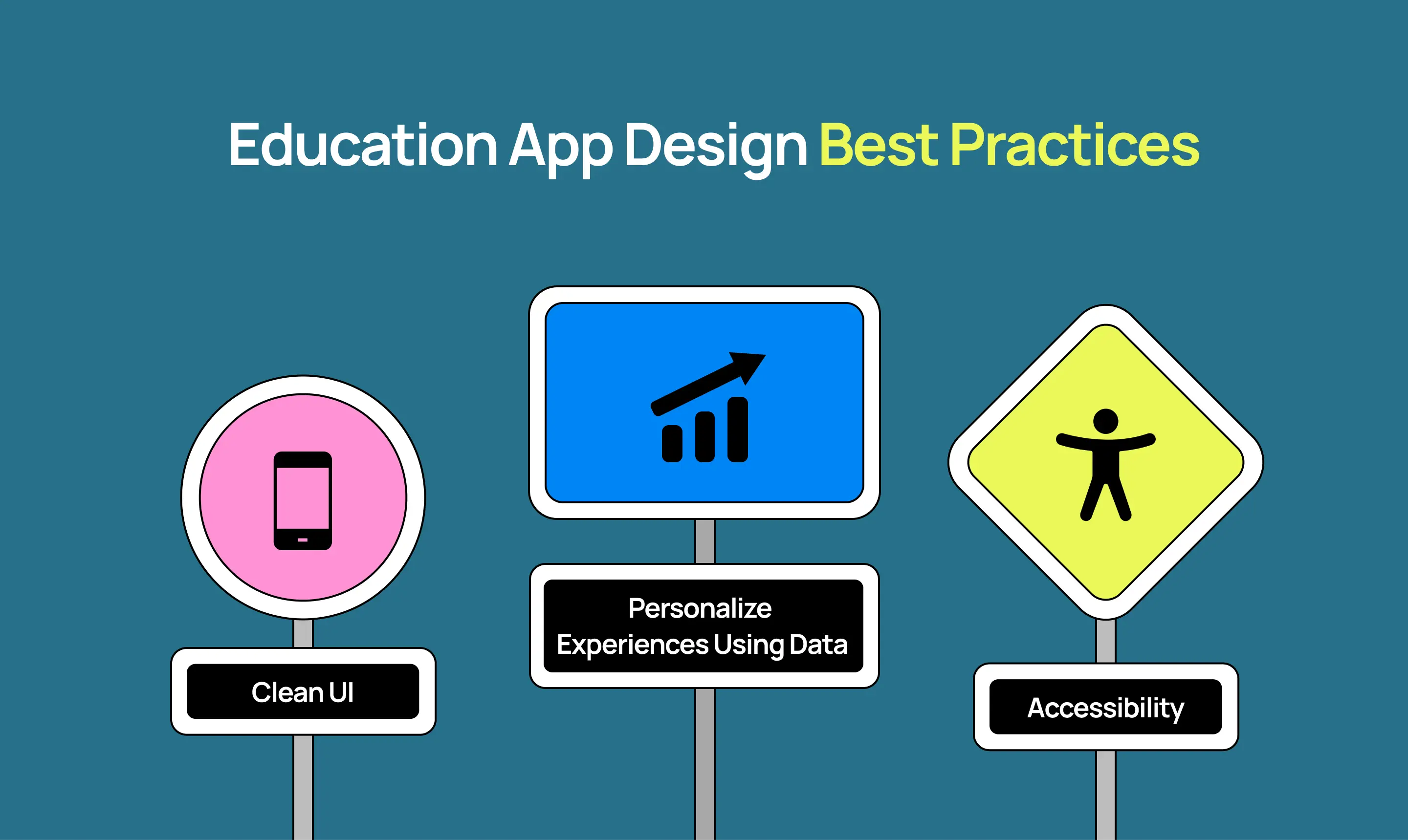
To build a powerful, future-ready learning product in 2025, follow these design practices:
Design the app to move users closer to their learning outcomes, not overwhelm them with features.
Think minimal and mobile-first. Use whitespace, large CTAs, and consistent navigation. Essential for scalable online learning app design.
Use analytics to customize user journeys—course suggestions, difficulty levels, and reminders.
Use progress bars, learning streaks, peer challenges, and tiered rewards aligned with learning goals.
Design with WCAG standards, support screen readers, keyboard navigation, alt text for images, and color contrast.
Run usability tests with your target audience. Iterate the design based on actual feedback.
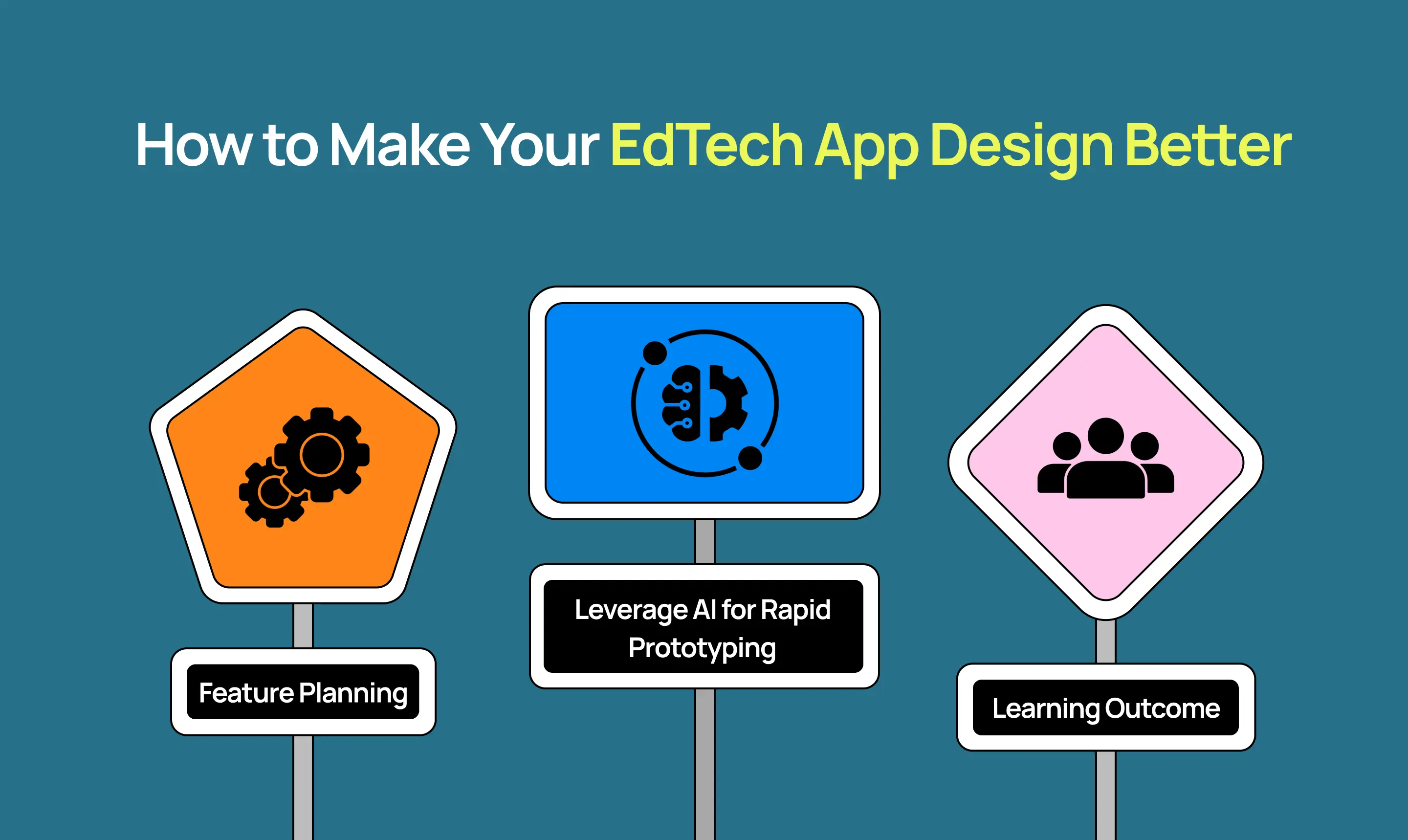
Every EdTech company has its own education app for students. If you want to stand out from competitors, then student retention will play a key role in 2025. Here’s how to up-level your app designer education process:
Empathize, define, ideate, prototype, and test. Build with user problems at the core.
Use reusable design components and tokens. Tools like Figma and Sketch now support shared libraries for education app design Figma scalability.
Use tools like Uizard AI, Framer AI, or Jasper to generate layouts, content ideas, or test interactions.
Design layouts that map learning tasks to tangible academic or cognitive progress.
Involve educators, instructional designers, and cognitive science experts in the design loop.
Educational mobile apps in 2025 are smarter, more dynamic, and more learner-centric than ever before. Whether you’re building a new EdTech startup or revamping your learning platform, adopting these top education app design trends and best practices will be key to creating apps that educate, engage, and empower users in the modern era.
The user is no longer just a “learner”—they’re a mobile-first, micro-content consumer wanting bite-sized, gamified, and personalized learning on the go. Whether you’re working on mobile learning app UI, using Figma education app templates, or aiming to create a learning app, make sure your design is built for that world.
📩 Ready to Design a Next-Gen Education App?
Let’s help you create a high-impact, intuitive, and future-ready product.
👉 Schedule your free UX strategy call now
1. What are the most important education app design trends in 2025?
The most important trends include AI-powered personalization, gamification, gesture-based navigation, AR/3D learning, and scroll-learning interfaces.
2. How do I use Figma for education app design?
Using Figma education app templates, you can create reusable UI components, collaborate with teams, and build scalable, consistent mobile learning app UI systems.
3. What makes a good student learning app design?
It should be intuitive, goal-oriented, and personalized. Use features like streaks, interactive content, and minimalist UI to boost student engagement.
4. How can I improve accessibility in an online learning app design?
Follow WCAG guidelines, support screen readers, dark mode, adjustable fonts, and provide alt-text for all images.
5. What’s the benefit of gamification in education apps?
Gamification improves motivation, retention, and learning satisfaction through progress bars, levels, rewards, and peer challenges.
6. Is AR important in modern e-learning app UI design?
Yes, AR-based UI adds immersive learning experiences—perfect for STEM, history, and interactive training modules.
7. Can I build an education app without coding?
Yes, tools like Uizard AI, Framer AI, and Figma allow you to create a learning app prototype without any code, speeding up the design process.