We’ve all heard of buzzwords – Accessibility and Inclusivity.
But what do they actually mean? In today’s world they’re often tossed around without much thought, losing their true significance. So before we open these doors, let’s establish some club rules and get the record straight. What exactly is UI/UX accessibility, and why does it matter for businesses?
In the world of UI/UX design, accessibility is building digital products and services that everyone can use, including people with disabilities. This isn’t about being ethical in designs, which already should be a solid bonus; it’s about smart business decisions.
Picture this: Over 1 billion people, which is approximately 15% of the world’s population, live with some form of disability. That’s a number that should innately feel scary to isolate because of decisions that weren’t made during the design phase. If we were to put this frivolously, it’s like saying – “Nah, we’re not interested in your business.” Let’s be real, no business can afford that.
We know we could have chosen windows, gates, magic portals, time travel machines, a magic show, a treasure hunt map, and a lot more as an analogy to help you understand this concept with ease. Trust us, we had a lot! But as designers, we’ve learned the hard way (mostly through our naivety) that reinventing the wheel is rarely a good idea. So we’re sticking to the classic metaphor: Doors! Yes, those everyday, boring doors that Don Norman (the grand old man of UX design) loves to talk about. Why? Because doors are the perfect example of how affordances work in design.
In design, affordances refers to the properties of an object that suggest how it can be used. It’s about making the design so intuitive that users instinctively know what actions they can take.
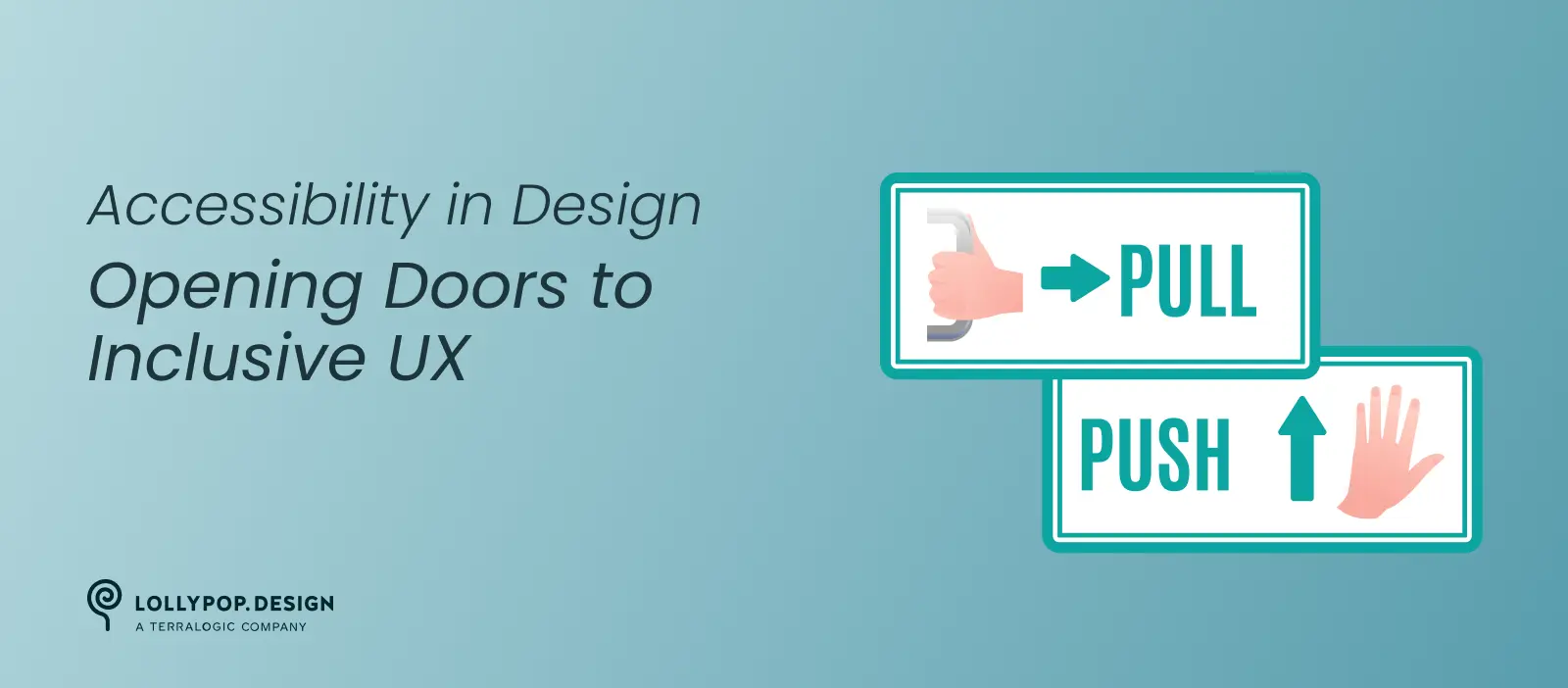
When was the last time you needed a tutorial to use a door? Probably never. That’s because the design of a door naturally suggests its function:
It’s almost as if the door is having a silent conversation with you, whispering in an ASMR way, “Pull me to open.”
This is the magic of affordances. They align users’ expectations with visual cues, ensuring an intuitive and seamless experience. In digital design, affordances guide interactions like this:
Of course, not all doors are designed to be intuitive. Some doors have pull handles but need to be pushed, leading to that awkward moment when you’re yanking at the door like a fool, sometimes running into the door and pretending you intended to do that. Not your fault – the design failed you.
In UI/UX or digital design, the equivalent of that is a button that looks clickable but does nothing or a form field without a label, leaving users to guess what they need to input. The one rule we’ve all heard of – Don’t make users think – should be treated as the gospel truth when designing inclusive and accessible products. Just like the doors should be intuitive, digital interfaces need to work in the exact same way – Effortlessly!
And that’s where UI/UX accessibility comes in. Making your design intuitive and usable for everyone, including those with disabilities, isn’t just about compliance or being “woke.” It’s about good UX.
We’ve come up with a handy mnemonic to remember the four key principles of accessibility:
Or as we now like to call it, POUR-ing accessibility into design.
Users need to see, hear, or otherwise perceive the information on your designs. If something is only available visually, it excludes users with visual impairments. Similarly, if content is only available in audio form, it excludes deaf or hard-of-hearing users.
How Might We Apply This in UI/UX Design:
– Provide alt text for meaningful images and icons to make sure screen reader users understand visual content.
– Maintain a strong color contrast of 4:5:1 ratio between text and background for readability.
– Include captions and transcripts for audio and video content.
– Design scalable text that users can resize up to 200% without breaking the layout.
Users should be able to navigate and interact with a page or a flow using various input methods—whether it’s a mouse, keyboard, voice commands, or assistive technologies like switch controls.
How Might We Apply This in UI/UX Design:
– Ensure all interactive elements—buttons, forms, links, menus—are fully via keyboard
– Design clear focus states, so users always know where they are when navigating with a keyboard or screen reader.
– Avoid keyboard traps where users get stuck in a form field or modal without an escape route.
– Provide multiple ways to complete tasks, such as offering both click and keyboard shortcuts for actions.
A well-designed interface should be predictable, clear, and easy to understand, no matter the user’s cognitive ability, language proficiency, or level of digital literacy.
How Might We Apply This in UI/UX Design?
– Use clear, concise labels instead of vague terms—e.g., “Enter Email Address” instead of just “Email.”
– Maintain consistent navigation patterns across all pages and screens.
– Provide helpful error messages that clearly explain the problem and how to fix it—e.g., “Your password must be at least 8 characters long” instead of just “Invalid password.”
– Avoid unnecessary complexity—keep interactions simple and intuitive.
A digital product should work across browsers, devices, and assistive technologies—today and in the future.
How Might We Apply This in UI/UX Design?
– Use semantic HTML so screen readers can interpret the page correctly.
– Implement ARIA attributes only when necessary to enhance accessibility.
– Design responsive layouts that work seamlessly across different screen sizes, resolutions, and orientations.
– Regularly test compatibility with assistive technologies, including screen readers like NVDA, JAWS, and VoiceOver.
Accessibility isn’t just a legal formality. It’s a way to say everyone’s welcome here. It means designing for dignity, for independence, and for inclusion. And yes, it’s also great for business. Here’s how some Indian companies opened new doors by putting accessibility front and center:
Booking a train ticket in India is a rite of passage – almost a national sport. But for visually impaired users, the old IRCTC website was more like an obstacle course.
That’s changed. The new platform is a win for inclusive design – full keyboard navigation, no need for a mouse. They ditched the impossible CAPTCHA puzzles and brought in voice-based alternatives and OTP logins. The text can be resized, screen readers like NVDA and Windows Narrator work like a charm, and the app plays nice with Android’s TalkBack.
What does that mean in real life? It means someone who couldn’t travel alone before can now book their own ticket, independently. That’s not just a UX win – that’s freedom.
In 2016, the Rights of Persons with Disabilities Act set the tone: make digital banking accessible, or face the heat. RBI followed through with clear directives.
Some banks got it. About 15% of them updated their websites and apps to meet WCAG standards. These weren’t just compliance moves – they were smart, empathetic business decisions. Because when you make finance inclusive, you don’t just avoid lawsuits – you unlock a market of over 27 million people with disabilities.
Sadly, most banks still lag behind. But the ones leading the way? They’re already winning – in trust, reach, and reputation.
Everyone loves a good movie or concert. But for users with visual impairments, booking a ticket used to require a friend’s help. That’s not independence – that’s exclusion.
BookMyShow decided to flip the script. They made their platform screen-reader friendly, added proper alt text, and simplified navigation so that users don’t need fancy gestures or workarounds.
Now, thousands can book their own tickets – no assistance needed. And for BookMyShow, the payoff is huge: a bigger audience, stronger brand image, and peace of mind on the legal front. Everyone wins.
When hunger hits, no one wants to wrestle with a cluttered app. Especially not users with visual, motor, or cognitive challenges.
Zomato listened. Voice-based search now lets users speak their cravings instead of typing. The interface got a glow-up too – larger icons, cleaner text, less noise.
That redesign wasn’t just about aesthetics – it was about empathy. The result? People who struggled before can now order food without stress. And Zomato? They probably saw a spike in repeat orders and engagement. Turns out, designing for everyone is good for the bottom line.
Imagine a dating app where accessibility wasn’t tacked on – it was the whole point. That was Inclov. Short for Inclusive Love, it was the world’s first matchmaking app built specifically for people with disabilities.
From high-contrast modes and screen reader support to text-based cues for deaf users, every feature was designed with care. Even privacy got top billing – screenshots were disabled to protect users.
By 2019, over 50,000 people had signed up. That’s 50,000 stories that might never have happened without Inclov. The app may be gone, but its legacy lives on: proof that designing for edge cases can lead to breakthroughs that benefit everyone.
Accessibility isn’t just a compliance checkbox. It’s about expanding your audience, improving UX, and driving business growth.
If you’re not designing for accessibility, you’re closing the door on millions of potential customers. And who wants to do that?
At Lollypop Studio, we believe that great design is not just good to look at, it is inclusive! Accessibility isn’t just a compliance checkbox for us – it’s at the heart of our design values.
Here’s how we ensure accessibility is built into every step of our design process:
We don’t retrofit accessibility—we design for it from the start.
At Lollypop Studio, we believe accessibility isn’t an extra feature—it’s fundamental to good design.
By making digital experiences inclusive, we don’t just expand reach—we enhance usability, improve engagement, and create designs that truly work for everyone.
Because when you design for accessibility, you’re not just following guidelines—you’re opening doors.
Ready to Make Your Digital Products More Inclusive?Contact us now.
At Lollypop Design Studio, we’re committed to creating accessible and inclusive designs that work for everyone. Get in touch today and let’s make your digital product accessible to all users.