
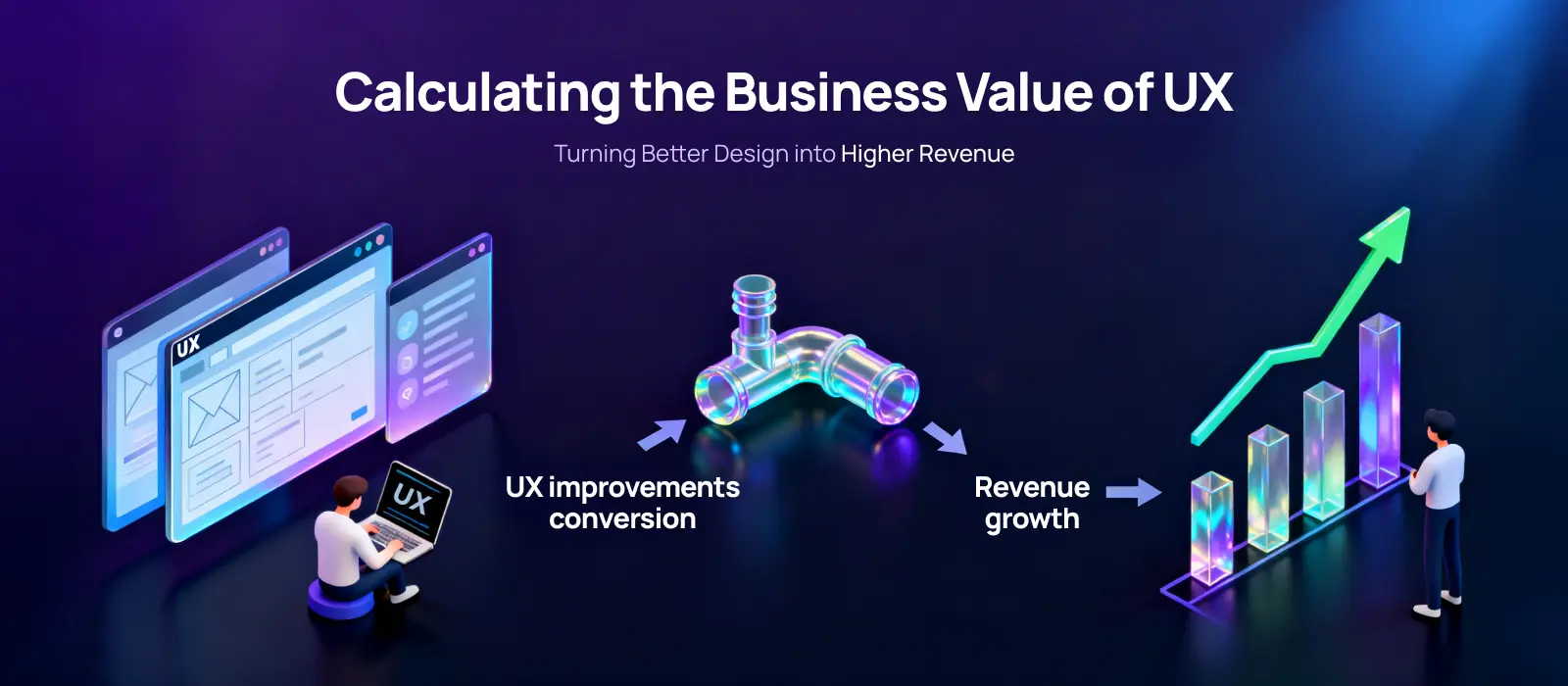

Executive Summary: The Business Impact of UX
Modern design is a primary revenue multiplier that transforms user behavior into measurable profit. By aligning UX investment with high-stakes metrics like Customer Lifetime Value (CLV) and Customer Acquisition Cost (CAC), enterprises can reduce engineering rework by up to 50% and accelerate time-to-market.
Key Takeaways:
Formula: ROI % = [ (Gains – Investment Cost) / Investment Cost ] x 100
Primary Benefit: Significant reduction in technical debt through “Pre-Code Validation.”
Commercial Value: Enhanced conversion rates and lower support overhead through intuitive interface design.
Today, a good user experience isn’t just “nice to look at.” It can actually help your business grow.
Modern enterprises are focusing on UX and seeing a lower bounce rate and more conversions. And yes, they drive stronger revenue. That’s why the ROI of UX design has become such a hot topic, and businesses are focusing more on its business impact.
Measuring the commercial value of design is no longer optional—it is the difference between a stagnant product and a scalable one. In this blog, we’ll walk you through practical ways to quantify UX impact, show how to calculate ROI of UX design, and explore how thoughtful design can multiply Business Value across your organization.

Now, before showing the ROI of UX design, it’s essential to understand the metrics that matter. Metrics are the bridge between what users do and how that affects your business.
Conversion rates: Are users completing key actions?
Error rates: Where do users get stuck or make mistakes?
Time-on-task: How long does it take for users to finish important tasks?
These metrics show whether your UX helps users get things done efficiently and are tied directly to revenue.
Net Promoter Score (NPS): Are users likely to recommend your product?
Customer Satisfaction (CSAT): How happy are users with their experience?
System Usability Scale (SUS): Is your product easy to use?
These metrics tell the story of perception and satisfaction. Happy users mean better retention and referrals.
Customer Lifetime Value (CLV): How much revenue does a user bring over time?
Customer Acquisition Cost (CAC): How much does it cost to bring in a new user?
User Retention Metrics: How long do users keep coming back?
Net Promoter Score (NPS): Are your users recommending your product?
When you connect behavioral and attitudinal metrics to these revenue numbers, you can clearly demonstrate the commercial value of design, and prove the profitability of user experience to leadership.

So, how do you actually measure the ROI of UX design? The key is to connect UX improvements to real business outcomes. It’s not magic; it’s just a matter of tracking what you invest and what you gain.
Time spent researching user needs
Designing and testing workflows
Tools, platforms, and testing resources
This is your user experience investment, the cost side of the equation.
Now look at the benefits:
Increased Customer Lifetime Value (CLV) from happier, loyal users
Lower Customer Acquisition Cost (CAC) because onboarding is smoother
Higher Net Promoter Score (NPS) and better user retention metrics
More trial-to-paid conversions for SaaS products
Reduced support costs and fewer rework cycles from clearer, more intuitive interface
All these gains tie UX to revenue. Every smoother flow or intuitive design choice counts.
Here’s a simple way to think about it:
Gain = extra revenue, saved support costs, increased conversions
Cost = total UX investment
This gives you the return on design investment in clear, percentage terms that leadership can act on.
Back up the formula with:
Task success rates
Time-on-task
Error reduction
These help show that faster, smoother experiences don’t just look better; they perform better.
Investing in UX is about creating real value for your business. Thoughtful UX drives revenue, keeps customers happy, and improves overall efficiency. The ROI of UX design becomes visible when you focus on the outcomes that matter most.
Here are the four core benefits of investing in UX:
One of the biggest wins is Customer Lifetime Value (CLV). When users have an intuitive, seamless experience, they stick around longer and engage longer. Loyal users spend more over time, directly impacting revenue.
On the flip side, poor UX increases friction, leads to churn, and forces you to spend more on Customer Acquisition Cost (CAC). By improving usability and engagement, you lower acquisition costs while increasing the value of existing customers.
Better UX also drives happier users, and they promote your product. This shows up in Net Promoter Score (NPS) and overall satisfaction. Similarly, improved flows and clearer interfaces boost user retention metrics, meaning fewer users abandon the product or stop using key features.
For SaaS products, the connection to revenue is even clearer. small usability improvements in onboarding or navigation can significantly increase trial-to-paid conversions. These gains accumulate directly into the commercial value of design.
Beyond these four, UX investment improves internal efficiency. Fewer support tickets, faster onboarding, and reduced rework save time and money, adding to the commercial value of design.
For a CTO, the ROI of Design Thinking isn’t about sticky notes; it’s about Risk Mitigation. In the enterprise landscape, the cost of building the wrong feature is the single greatest drain on engineering resources. Strategic design serves as a “Pre-Code Validation” layer that ensures every sprint delivers high-value outcomes.
Design Thinking forces the “Hard Questions” to be answered in the Prototyping Phase, not during a Post-Mortem. By identifying friction points early, teams can:
Eliminate Development Rework: Research shows that 50% of a developer’s time is spent on preventable rework. Design Thinking slashes this by providing validated blueprints.
Streamline the Product Roadmap: Avoid “Feature Bloat” by mapping engineering effort directly to User Retention Metrics and core business goals.
Optimize Documentation: A robust Design System acts as a single source of truth, accelerating onboarding for new developers and ensuring UI consistency across fragmented modules.
In 2026, the competitive edge belongs to the agile. By integrating cross-functional teams (Design, Dev, and Product) early in the 4D Framework, you create a parallel workflow:
Rapid Validation: High-fidelity prototypes allow for user testing while the backend architecture is still being scoped.
Feasibility Check: Constant collaboration ensures that visionary designs remain technically feasible and scalable within your existing infrastructure.
Frictionless Handovers: Meticulous design-to-code handovers reduce “translation errors” and speed up the deployment cycle.
When a CTO invests in Design Thinking, they aren’t just buying “better screens.” They are buying an insurance policy against wasted sprints. It transforms the engineering department from a “ticket-clearing house” into a Product Innovation Engine where every line of code contributes to Business Value.

Here’s a classic example of how a tiny UX change can make a massive difference.
At one point, Amazon’s checkout process required new users to register for an account before completing a purchase. The button said, “Register.” Sounds harmless, right? But for many users, that word created hesitation. It felt like a commitment, something that would take time and effort. Many shoppers simply abandoned their carts instead of going through the registration step.
So the team came up with a surprisingly simple solution. They replaced the “Register” button with a “Continue” button and added a note saying an account wasn’t required to buy. They replaced the “Register” button with a “Continue” button and added a short message explaining that customers could proceed without creating an account.
That small UX change removed the friction. The result? Purchases increased by 45%, generating $15 million in additional revenue in the first month and more than $300 million in the first year. Interestingly, 90% of those “guest” buyers still created an account later during checkout. A simple UX tweak. A massive business result.
While redesigning its record page, HubSpot noticed something interesting: the page was used so heavily that it was actually slowing down sales and support teams. Usability testing revealed issues like slow responsiveness and too much clutter, which even led to an 11% drop in user engagement. On average, it took users around 8 minutes just to reply to an email after opening a record.
So the team simplified things. They removed unnecessary white space, reduced load time, and made information easier to scan.
The result? Tasks became faster and smoother for users. And the business impact was real as HubSpot’s revenue grew by 33%, reaching $1.731 billion. A great example of how small UX improvements can lead to meaningful results.
SSBeauty, the beauty retail arm of Shoppers Stop, had a clear ambition: become India’s leading omnichannel beauty destination, bridging online discovery and in-store experience. The challenge was that their digital platform wasn’t keeping up.
Product discoverability was poor, the consumer journey across categories was fragmented, and the experience wasn’t compelling enough to convert offline shoppers into online buyers. Shoppers Stop partnered with Lollypop to rethink the platform from the ground up.
The team started with research workshops and stakeholder interviews to understand three distinct user types: the occasional offline shopper curious about new brands, the active beauty blogger seeking international luxury products, and the loyal repeat buyer who wanted a faster, easier repurchase experience. Each persona had different friction points—and each needed a tailored solution within the same platform.
Lollypop redesigned the website and mobile app with a focus on three things: simplified navigation across beauty categories, richer product discovery (including shade matching and detailed product information to build purchase confidence), and a seamless bridge between the online and in-store experience.
The result? A genuinely omnichannel platform, one where a user could discover a product online, check in-store availability, and complete the purchase through whichever channel felt most natural to them. The design reduced the decision-making friction that was causing drop-offs, particularly for users who were hesitant to buy beauty products without trying them first.
Effectively communicating the ROI of UX design is key to securing support and continued investment. The trick is to connect UX improvements to measurable business results.
Start with the Right Metrics: Focus on numbers executives care about: CLV, CAC, Retention, NPS, and CRO.
Use Real Examples: Show tangible changes with real workflows. Before-and-after snapshots make the UX design business impact easy to understand at a glance.
Create a Simple Dashboard: Track Design Metrics consistently: task success rates, time on task, and feature adoption.
Tell a Clear Story: Numbers alone aren’t enough. Frame your results as a narrative of how better usability led to happier, more loyal users.
By combining metrics, visuals, and storytelling, you turn UX improvements into a narrative leadership can understand and support, making UX ROI tangible, actionable, and a driver of Business Value.
So what’s the big takeaway here?
Good UX isn’t just about making products look better. It’s about making them work better for users and for the business.
When companies invest in improving user experience, the results often show up in the numbers: users stay longer, conversion rates improve, and customers are more likely to recommend the product to others. The case studies in this blog prove that even small, targeted UX changes can produce extraordinary results.
In the end, UX isn’t just a design effort. It’s a business strategy. And when measured properly, user experience investment becomes one of the most powerful levers for sustainable, long-term growth.
Industry studies suggest that every $1 invested in UX can result in a return of up to $100. This 9,900% ROI is driven by reduced acquisition costs, improved retention, and increased market share.
High-quality UX reduces friction during the onboarding process. When a product is intuitive, users reach their “Aha!” moment faster, reducing the need for expensive sales interventions and lowering the cost to acquire each customer.
The most impactful behavioral metrics include Conversion Rate, Task Success Rate, and User Drop-off Rate. These provide objective data on how effectively a design helps a user reach a revenue-generating goal.
Design Thinking uses prototyping and user testing to validate ideas before they are coded. This prevents developers from building features that users don’t want, which research suggests accounts for nearly 50% of engineering rework.
Yes. As seen in the Amazon “Continue” button case study, a simple change in terminology or button placement can remove psychological barriers, leading to millions of dollars in incremental revenue.
UX directly influences satisfaction and ease of use. A seamless experience fosters loyalty, meaning customers stay with the brand longer and spend more over their lifetime, which is more cost-effective than acquiring new users.
Translate design language into business language. Instead of talking about “usability,” talk about “Risk Mitigation,” “Conversion Optimization,” and “Market Differentiation.” Use the ROI formula to show how design investment protects and grows the bottom line.





